Spaceboy for iPhone
Create and manage projects from the native iOS app.
The full flow, in your pocket
Spaceboy ships a native iPhone app with the same building story as the web: describe what you want to build, add inspiration photos straight from your library, watch progress live, and chat with your agent — all from your phone.
The app ships in the same ten languages as the web — the screenshots on this page appear in the language you're reading the docs in.
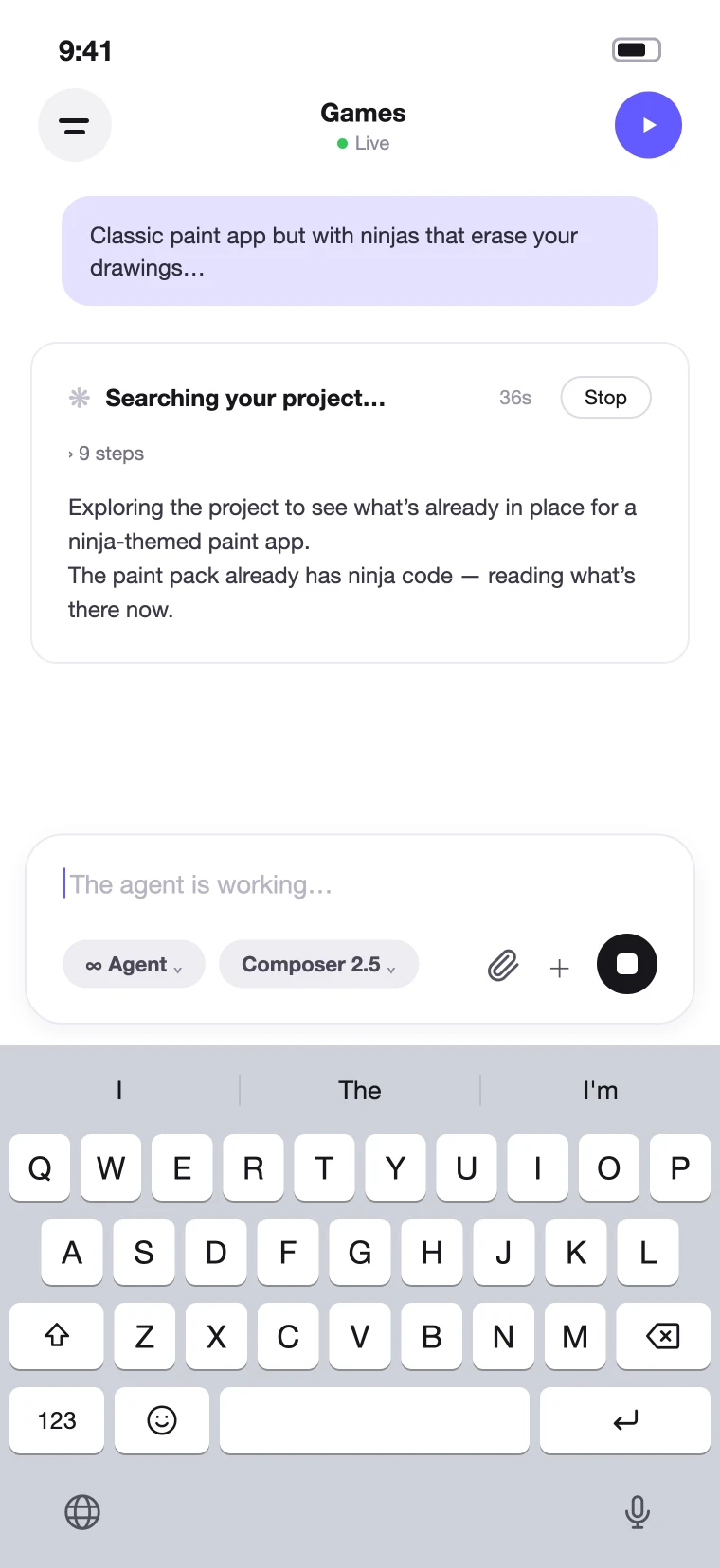
Chat with your agent
The agent chat is the heart of the app. Send a request and watch the run unfold in real time — the agent narrates what it's doing, counts through its steps, and can be stopped mid-run. The header shows your live preview status, so you always know when your latest change is up.
Your Library, on the go
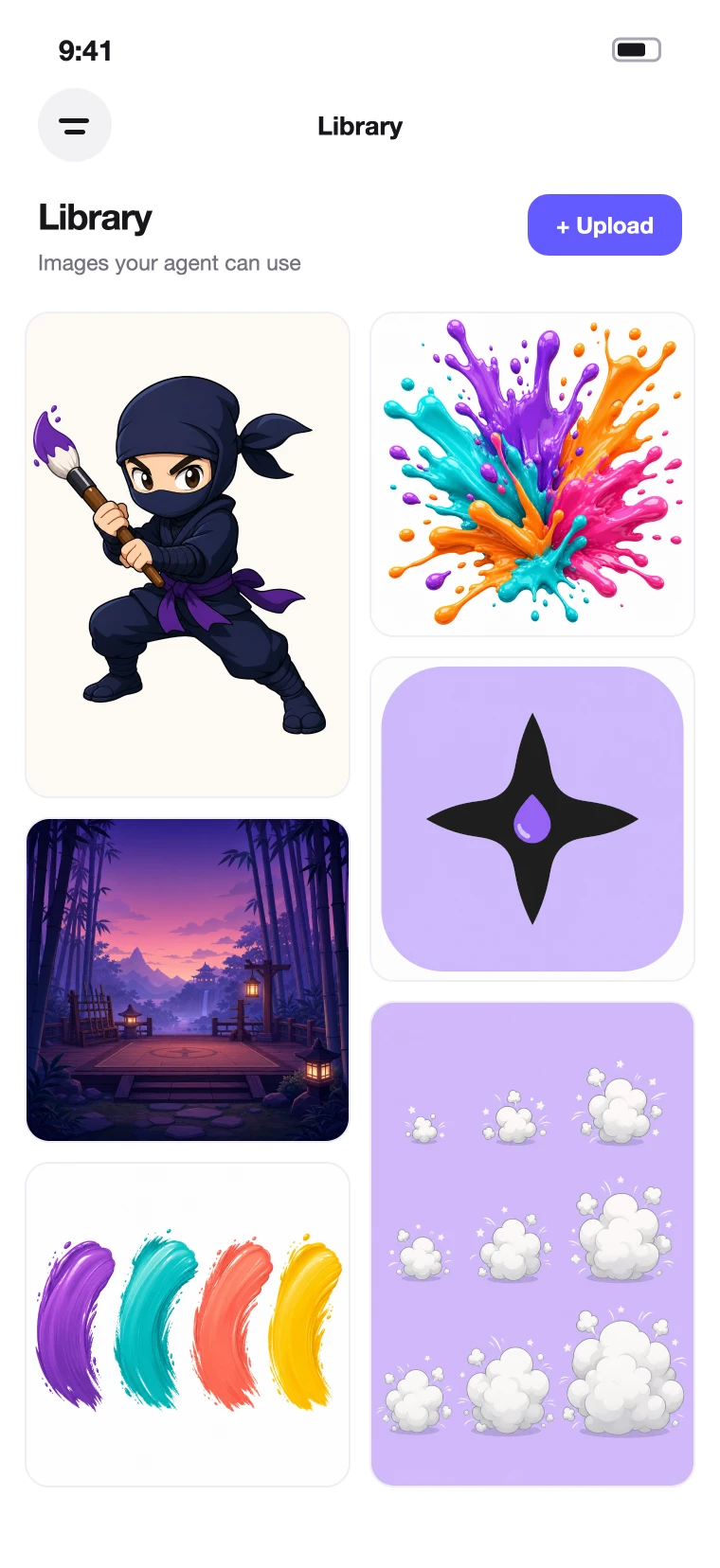
The same Library you use on the web — browse your images and assets in a full-width grid and upload new ones from your phone, right when you capture them. Anything you add is immediately available to your agents on every device.
Run your team
Team management travels with you: invite a teammate by email, pick their role, and send — the same organization-wide membership as the web, from the Team screen.

Every project tool
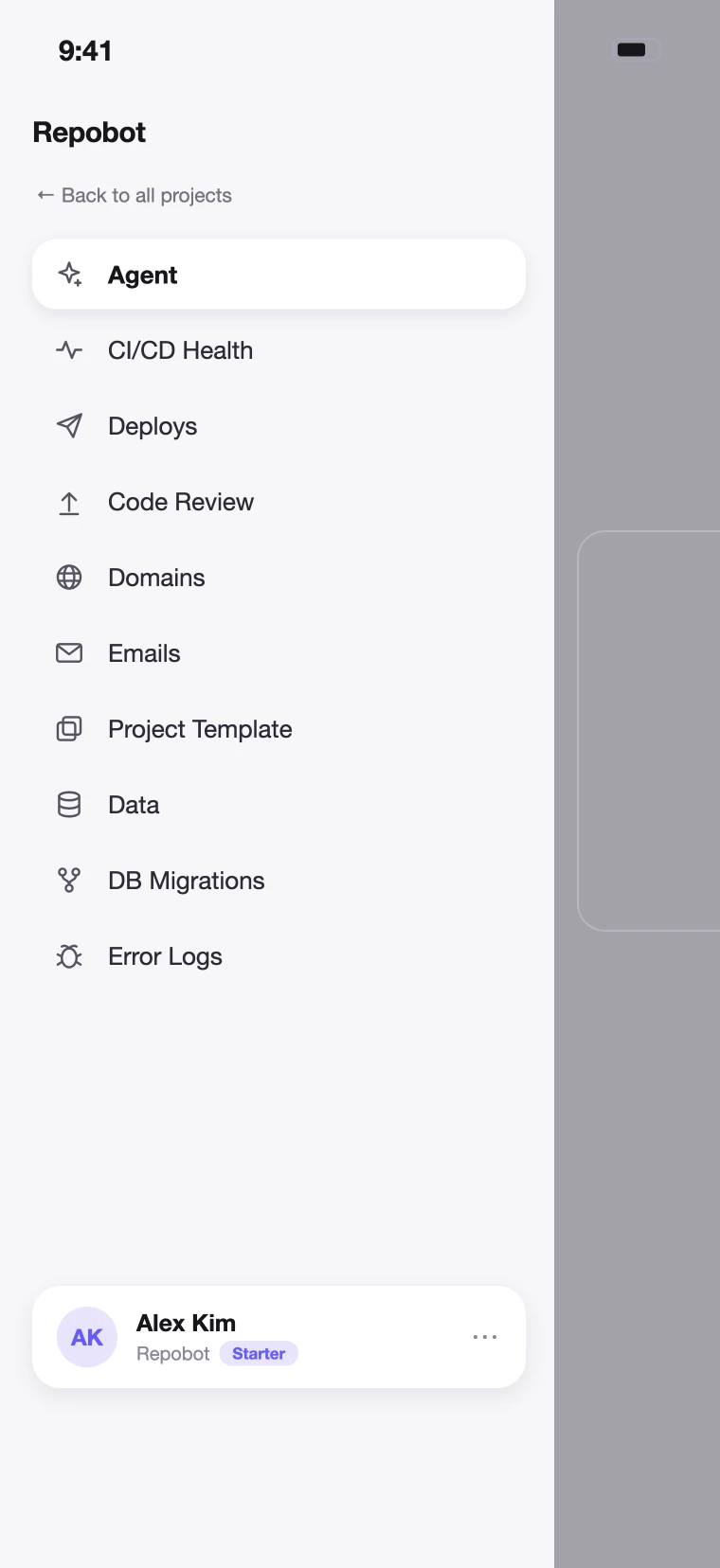
Each project's full toolkit is one drawer away: the agent, CI/CD health, deploys, code review, domains, emails, your project template, data, database migrations, and error logs — everything the web dashboard offers, sized for one hand.
Your projects, anywhere
Everything belongs to the same account and organization as the web app: projects started on your phone continue on your desktop and vice versa. The Library, agent chat, and setup progress all stay in sync.
Watch deploys live
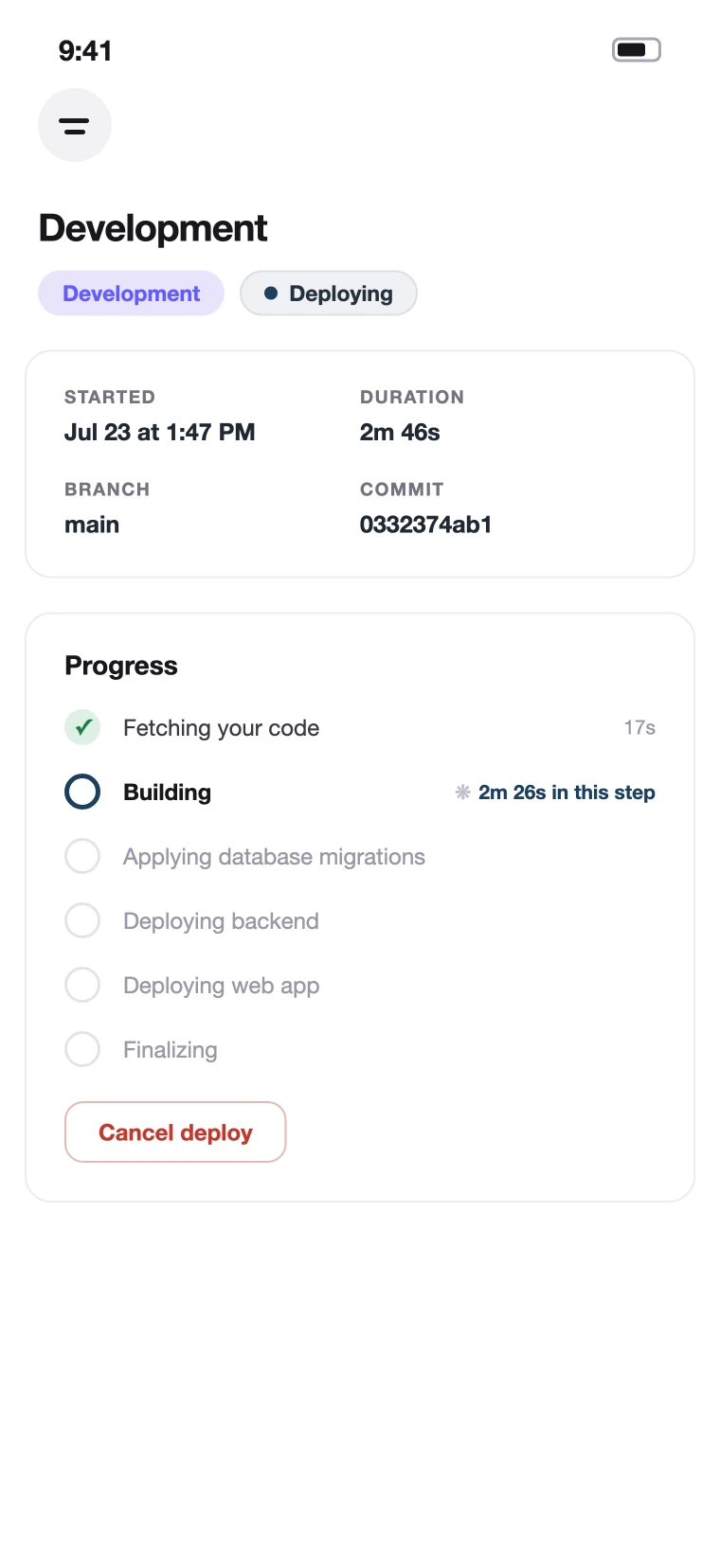
Every deploy streams its progress to your phone: which environment is deploying, how long it's been running, and each stage — building, migrating, releasing — checking off as it completes. You can cancel a deploy in flight, too.